Mac installation error
Mac install: pixeLoom.pkg can’t be opened
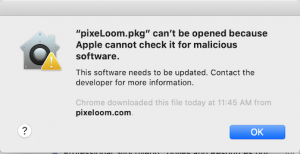
If you get this error when installing the PixeLoom version 401 for the Mac, follow these instructions to allow the installation to proceed.
Click OK to close the error window.
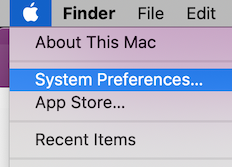
Open System Preferences from the Apple menu, and then open the Security & Privacy page.
At the bottom of the Security & Privacy page, in the ‘Allow apps to be downloaded from’ section, pixeLoom.pkg should be listed. (If it isn’t, close the original error window and come back to this page.)
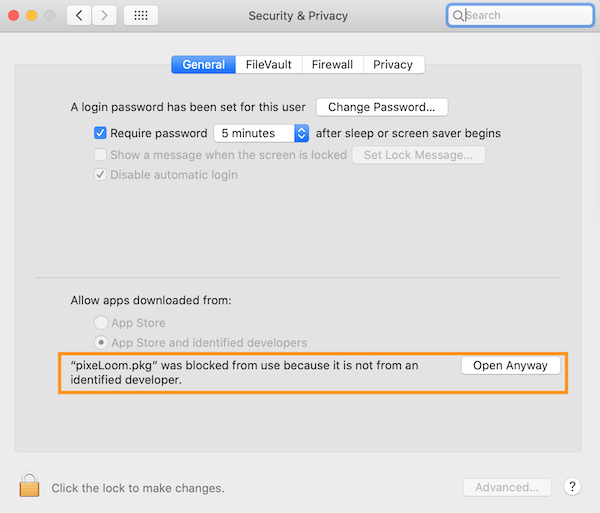
To proceed with the installation, click the Open Anyway button associated with pixeLoom.pkg (highlighted above).